System and applications
The smartphone works under Android in the 5.1 version. The configuration is standard, after turning it on for the first time, we just need to select the language, connect with a WLAN network and combine services with a Google account. A first look at the main desktop convinces us that the manufacturer did not leave a clear version of the system. Instead we have Wiko UI. The add-on modifies the general look of the interface when it comes to icons (a bit too cute for my taste) and bad wallpapers, but it does not make any changes in the notifications and quick access bar or in the settings menu – here we have the original Android. It is easy to see that Chinese messed with the interface – there is no app tray. Everything that we will install will be instantly visible on the desktop.


photo: Jolanta Szczepaniak/GSMchoice.com
Just like in many devices equipped with MediaTek hardware, this smartphone has the Miravision technology as well – it allows changing many settings of the display, like the temperature of colours, contrast or saturation. What is more, personalization covers changing the wallpaper, adding widgets and changing the effect of switching between desktops. We must mention about gestures and additional functions: Smart awake (gestures on a locked screen, quick access to the torch, player and the camera), Smart gesture (for example locking the screen, muting the phone) and Smart lock (unlocking the phone using biometrics or localization and devices).


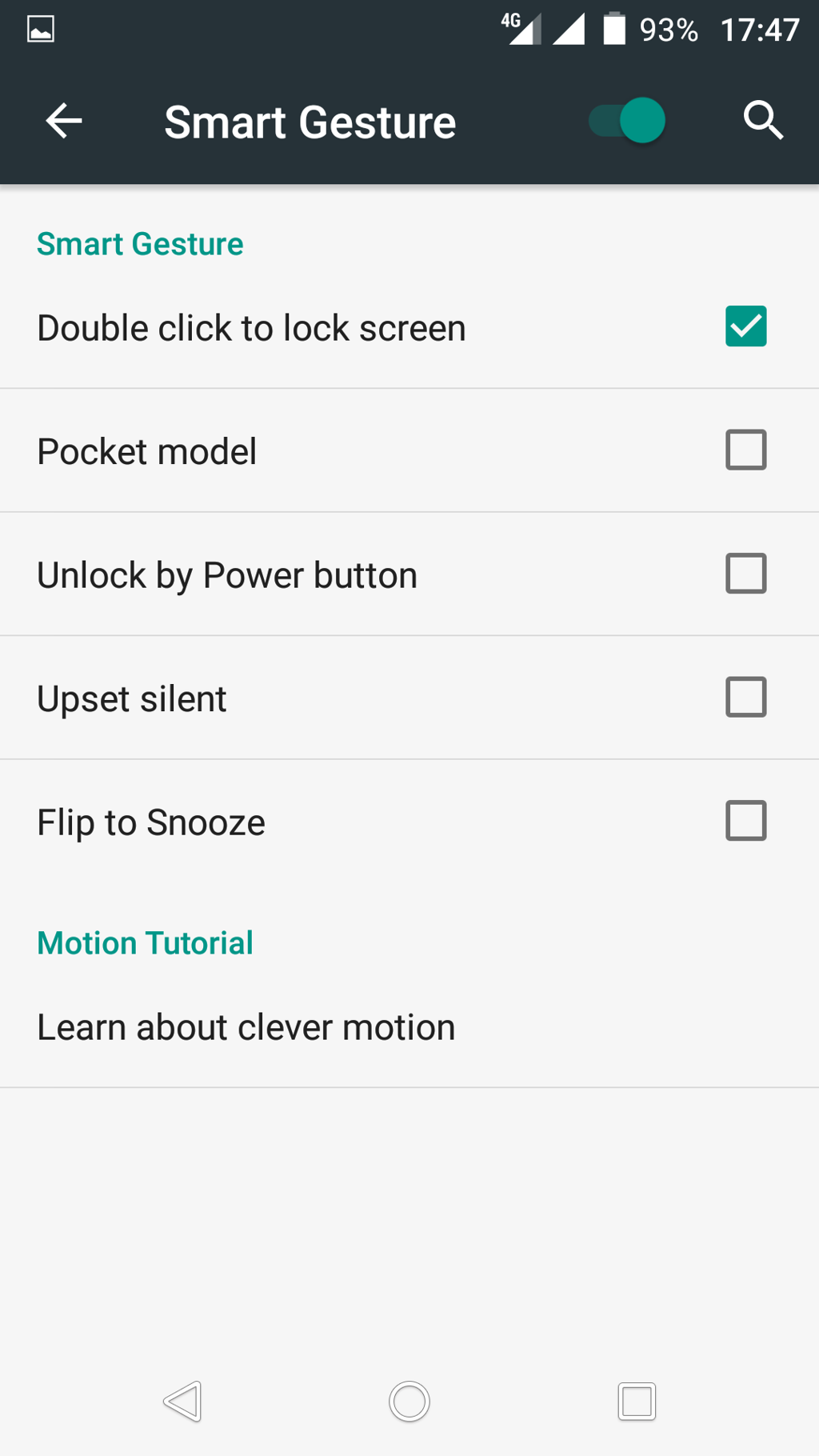


photo: Jolanta Szczepaniak/GSMchoice.com


photo: Jolanta Szczepaniak/GSMchoice.com
The advantage is the lack of bloatware – basically, from an external soft we only have Cleanmaster. Most useless utility or multimedia soft is based on preinstalled system apps, there is a weather app and a files manager as well – the user must take care of downloading a soft for viewing documents (if he or she needs one) or more functional players.
Source: GSMchoice.com